hey, I'm having the following problem: http://i10.photobucket.com/albums/a1...t1983/ss01.png
the AVS display isn't aligned properly with the AVS window boundary. it only seems to happen when I switch between normal and full screen a couple of times, and then resize the AVS window.
for AVS Display settings, I have enabled: Wait for retrace, Suppress status text in windowed, Suppress title text in windowed, Reuse image on window resize, and Experimental multiprocessor support: [2] threads. while for Fullscreen settings I have enabled Page flipping and Display framerate counter.
AVS display offset
3 posts

hey, I'm still having this problem in 5.5: here's another screenshot http://i10.photobucket.com/albums/a1...t1983/ss02.png
I changed my resolution, and in this screen shot, the problem is more visible. the bottom and right sides of the vis aren't being rendered at all
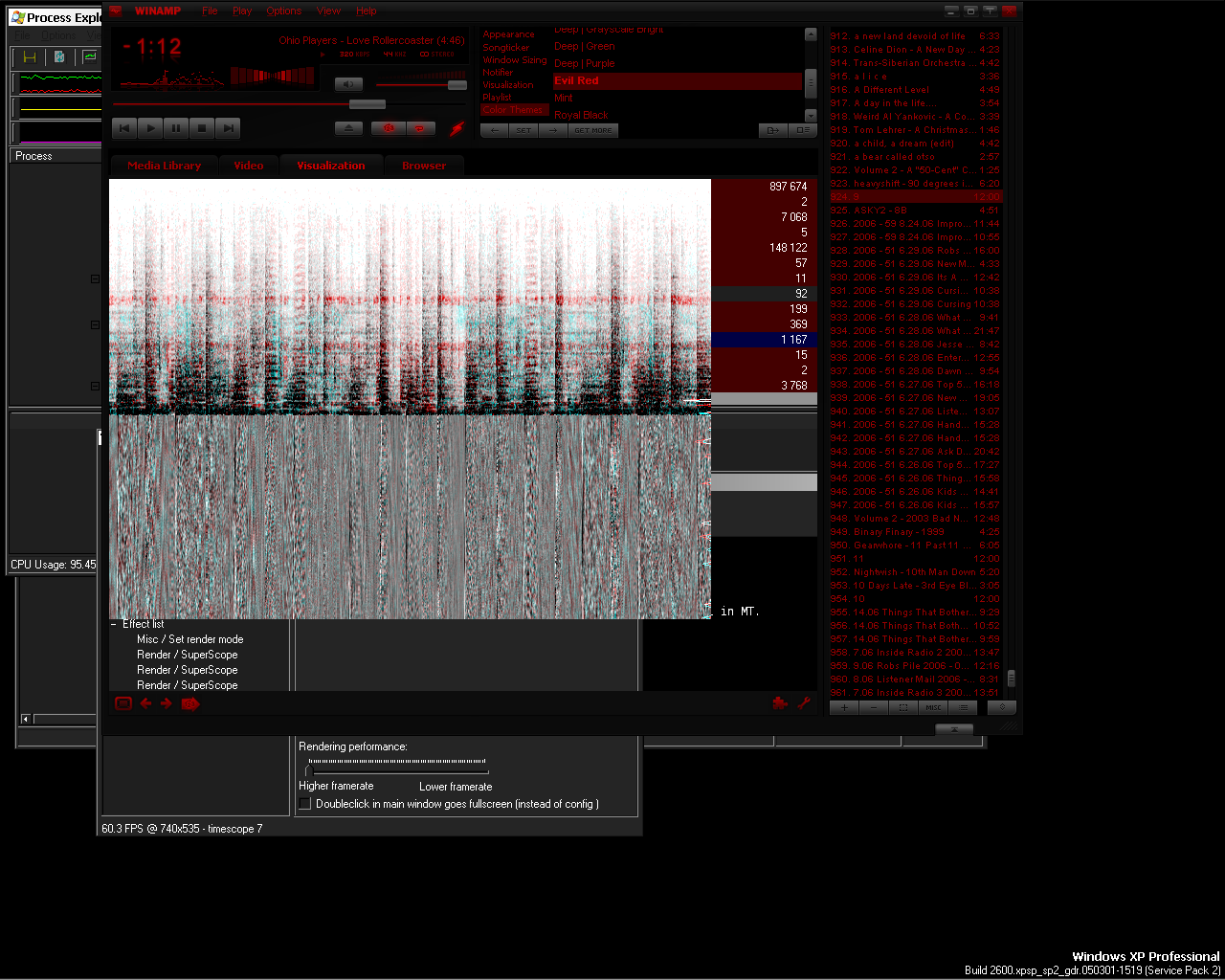
I changed my resolution, and in this screen shot, the problem is more visible. the bottom and right sides of the vis aren't being rendered at all
Hrmm.. yes.
I can reproduce that with those settings.
(If you play with the settings a bit more it can make stuff much worse.. :/)
I know it doesn't look as nice, but if you set it to use overlay mode then your problem doesn't seem to occur.
(nice choice of colour theme btw)
I'm not sure if any one will try to fix this though.
I can reproduce that with those settings.
(If you play with the settings a bit more it can make stuff much worse.. :/)
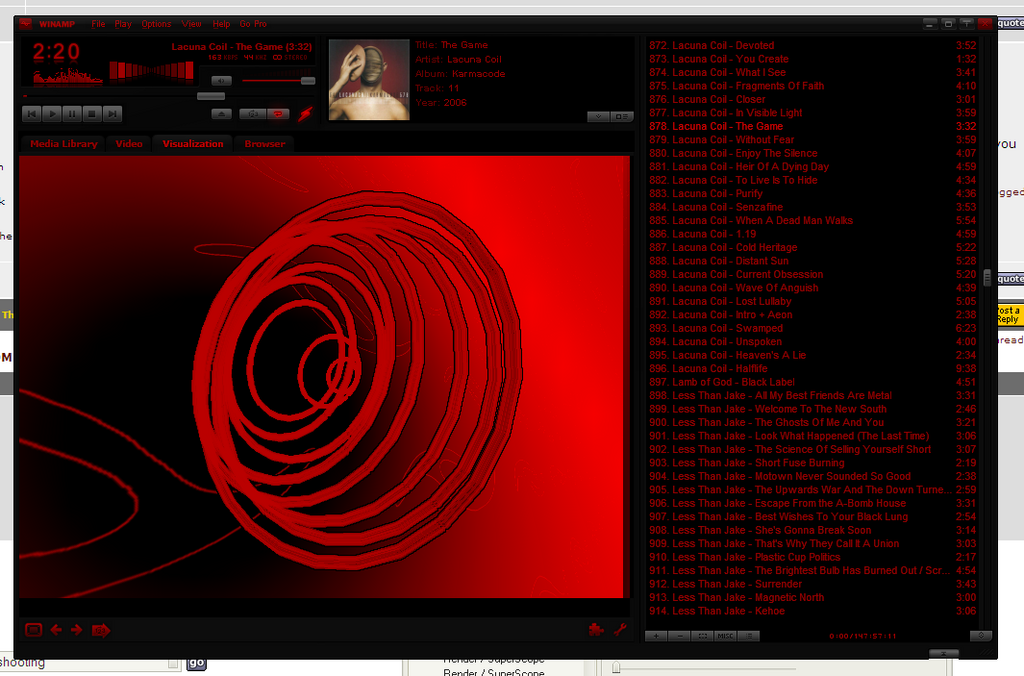
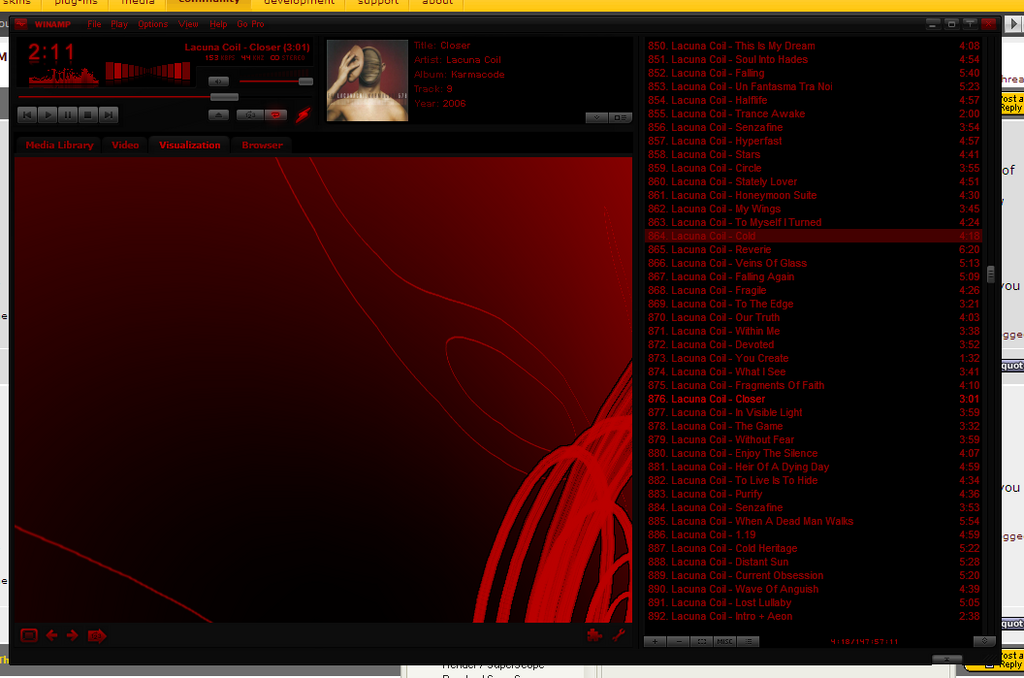
I know it doesn't look as nice, but if you set it to use overlay mode then your problem doesn't seem to occur.
(nice choice of colour theme btw)
I'm not sure if any one will try to fix this though.